
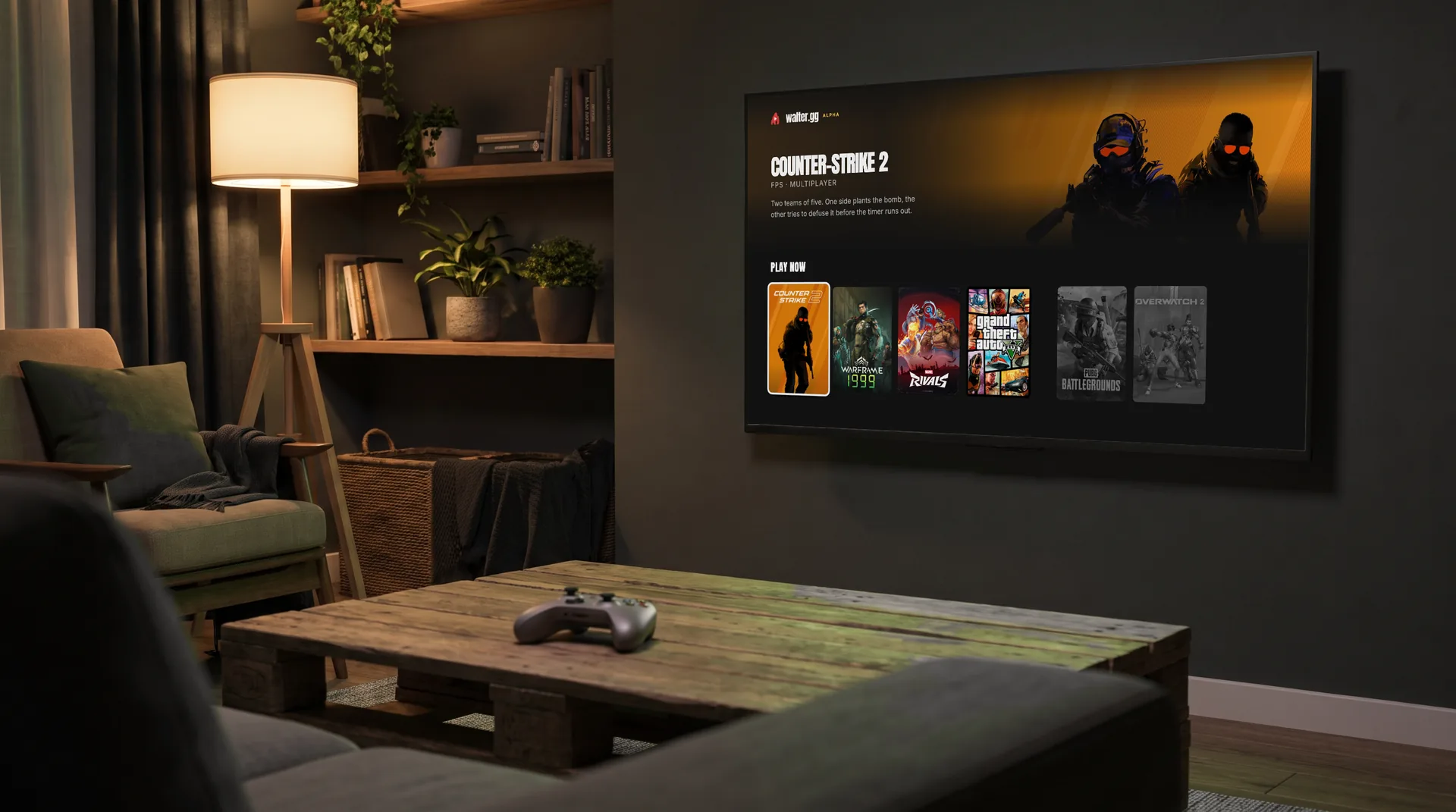
Walter is comingto your TV
The Walter app for Android TV is almost ready. Same account, same games, same plan. The gaming PC does the heavy lifting, so the TV you have is enough.
How it works
Install the app
Search for Walter in Google Play on your TV.
Sign in with your phone
Type the short code shown on your TV at walter.gg/tv.
Connect a controller
Use your remote to pick a game, and a controller to play it.
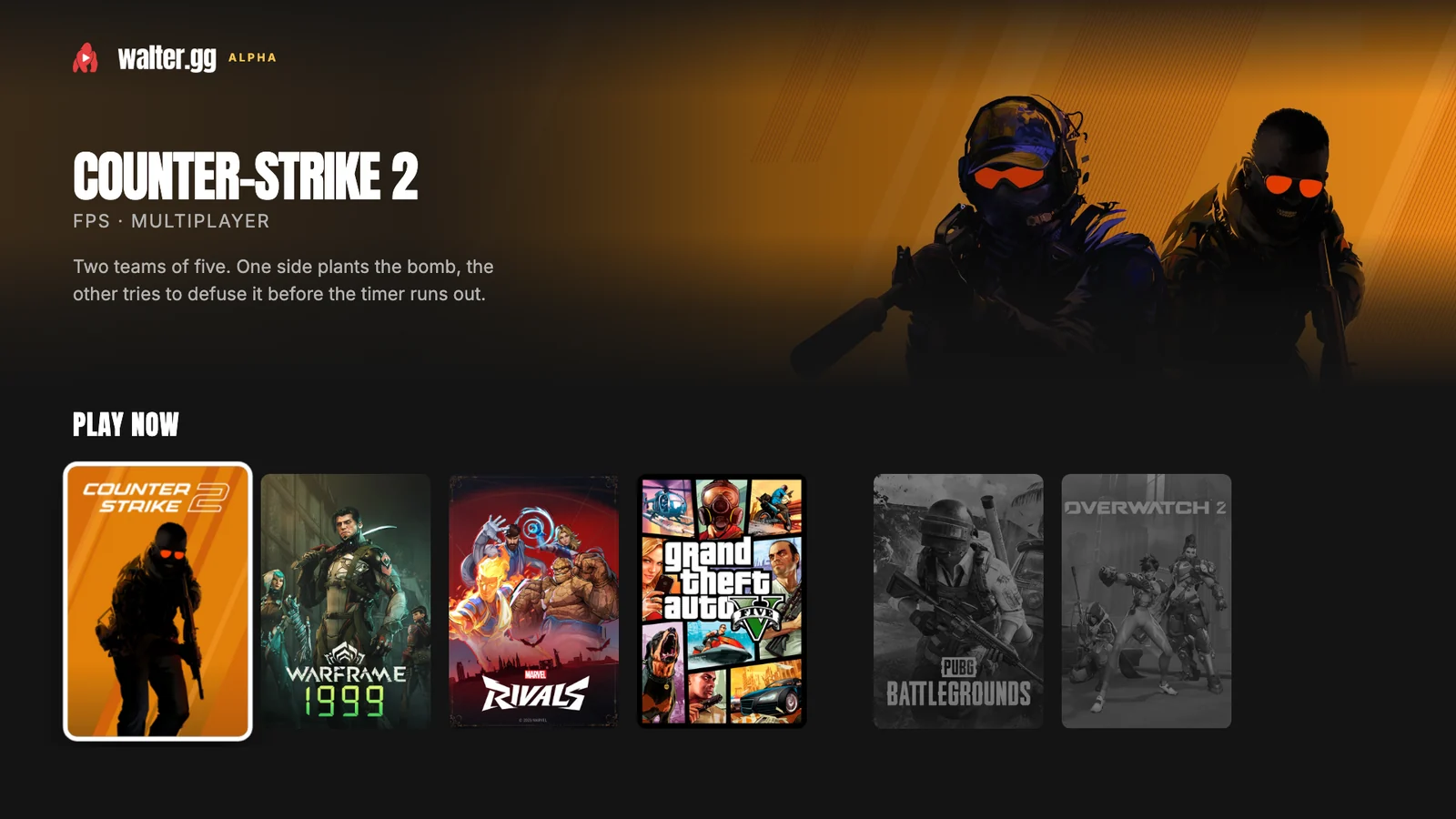
The same games on the big screen
This is the Walter app on a TV. Your plan, your free game and your progress are already there.
Before you play
Which TVs work?
Android TV and Google TV. That covers most Sony, Philips and TCL sets, plus Chromecast with Google TV.
Do I need a controller?
Yes, to play. Connect an Xbox or PlayStation controller over Bluetooth. Your TV remote is enough to browse.
What does it cost?
Nothing extra. Your plan and the free game come with you to your TV.