


A gaming PC
for $0.99 a month
For your first three months, then $9.99 a month for 40 credits.
Cancel anytime · Nothing to download · Paid securely with Stripe
Free
$0
No card needed
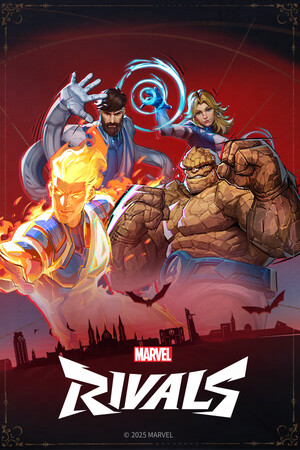
- Marvel Rivals, free right now
- A new free game every two weeks
- 3 credits after your first game
- Low latency*
The plan
Launch offer$0.99a month
For your first three months, then $9.99 a month for 40 credits
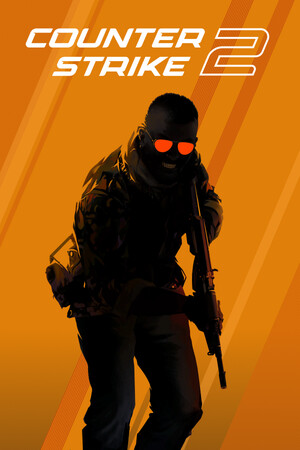
- Counter-Strike 2, Warframe and Marvel Rivals
- New games as they pass the lab
- Grand Theft Auto V with your own copy
- Low latency*
- Cancel anytime
*Latency depends on your internet connection and how close you are to a Walter gaming PC.
Start the plan
Create an account and pay by card. It takes a minute.
Pick any game
Every game in the plan is open right away. Sign in with your own Steam account.
Play on your screen
A gaming PC near you runs the game. Your laptop, Mac or phone shows the picture.

Questions
Can I cancel?
Yes, anytime, from your account. You keep playing until the end of the month you already paid for, and nothing more is charged.
What happens after the first three months?
From then on the plan is $9.99 a month. 40 credits land on your account every month. One credit is one play of any game on Walter, for as long as you like. Credits you don’t use carry over, up to 120. The date is on your account, and you can cancel before it.
Can the plan get cheaper?
Yes. For every friend on the plan through your link, yours costs a dollar less a month, down to $4.99. That starts once your first three months and theirs are over.
Do I need to buy the games?
No. The games in the plan are free to play on Steam, so a free Steam account is all you need. Grand Theft Auto V is the exception: it plays on your own copy.
Can I pay in euros, with iDEAL?
Yes. In the euro area the checkout is in euros: €0.99 a month for three months, then €9.99 a month for 40 credits, by iDEAL, Bancontact or card. Everywhere else it is dollars, by card.
Will it lag?
It depends on how close the nearest available gaming PC is. Walter picks the closest one, and if it is far away, Walter tells you before you start so you can decide. A wired connection or good wifi helps more than anything else on your side.
What devices are supported?
A screen and a browser. That is the whole list. A laptop, a Mac, an old PC, your phone: Walter runs the game on his own gaming PC, so your hardware only has to show the picture. You don’t need a graphics card or an install. The TV app is almost done.